AI Integration & Automation: Connect Your Tools, Cut Busywork, Scale Results
AI Integration & Automation connects your existing systems (CRM, help desk, calendars, data sources) with intelligent workflows so routine tasks happen automatically and teams focus on higher-value work.
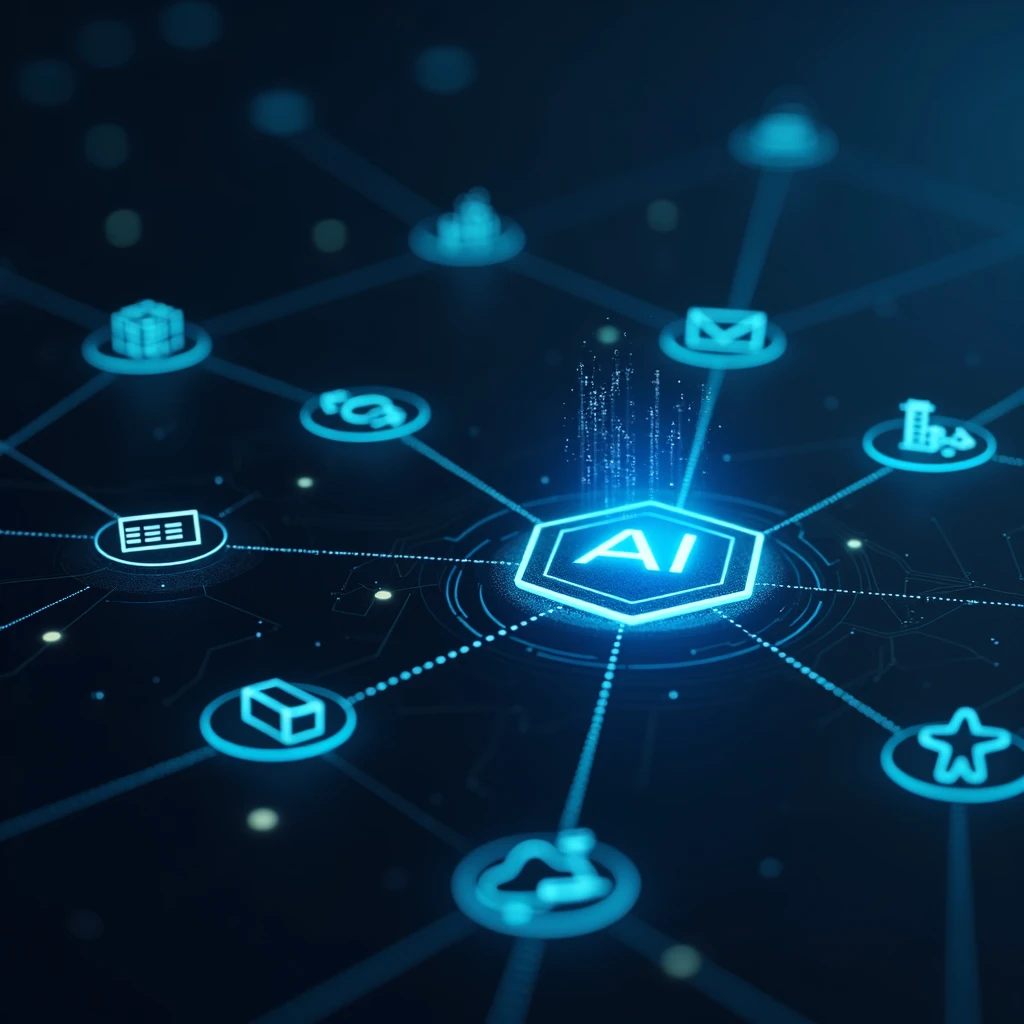
What is AI Integration & Automation?
It’s the practice of connecting your systems (e.g., HubSpot/Salesforce, Zendesk, calendars, inventory, data warehouses) to AI services that can read, decide, and act. Instead of manual copy-paste and repetitive triage, the system orchestrates steps: interpret an incoming request, enrich with context, take the next action, and record the outcome.
Why now
- Cost pressure: Automate high-volume tasks without adding headcount.
- Customer expectations: Faster, always-on replies across channels.
- Tool sprawl: Glue systems together so data flows, not stalls.
- Mature frameworks: Today’s models + retrieval + guardrails are production-ready.
High-impact use cases
Lead capture & routing
Qualify with a few questions, enrich from CRM, assign to the right owner, and book via calendar—auto.
Support deflection
Answer FAQs from trusted docs, create tickets only when needed, and pass full context to agents.
Ops & back-office
Invoice triage, order status checks, inventory lookups, and policy-aware approvals.
Sales assistance
Draft replies in your brand voice, summarize threads, and surface next-best actions inside the CRM.
Solution architecture (at a glance)
- Event layer: Webhooks (site forms, chatbots, email), schedulers, or message queues.
- Reasoning layer: Prompt-engineered functions or tools; retrieval-augmented generation (RAG) grounded in your docs.
- Action layer: Integrations to CRM/help desk/calendars/storage to read & write.
- Guardrails: PII redaction, allow-lists, confidence thresholds, human-in-the-loop.
- Observability: Logs, metrics (deflection, time saved, conversion), review UI.
Security & governance
- Access control: Role-based permissions and per-environment keys.
- Data handling: Minimize retention, mask sensitive fields, and log access.
- Model controls: Ground responses, set confidence thresholds, and escalate when uncertain.
- Auditability: Retain prompts/inputs/outputs for review where required.
Measuring ROI
- Support: Deflection rate, average handle time, ticket backlog, CSAT.
- Sales: Qualified leads, meeting conversion, reply latency, pipeline velocity.
- Ops: Cycle time, manual touches removed, errors prevented.
Baseline → Pilot → Compare: Measure current state, run a 2–4 week pilot on one process, then compare outcomes.
Implementation roadmap
- Discovery: Pick a single high-volume workflow; define success metrics.
- Data setup: Curate trusted sources and design retrieval rules.
- Pilot (2–4 weeks): Ship an MVP to a subset of users with guardrails.
- Integrations: Connect CRM/help desk and automate safe actions.
- Hardening: Add observability, review loops, and security controls.
- Scale: Roll to more teams and extend to new use cases.
Want this for your business? We’ll propose the right-sized implementation.
FAQs
- Do we need to replace existing tools?
- No. We integrate with what you already use and automate steps between them.
- Will AI act without oversight?
- Only within guardrails you approve (allow-listed actions, thresholds). Complex cases can require human review.
- How long to see results?
- Most teams see impact in weeks by piloting a single workflow with clear metrics.
- What about data privacy?
- We minimize retention, redact sensitive fields, and log access for audits.